Custom Channels
What are custom channels?
Askribe provides you a multitude of options to distribute your flow. This includes embedding the flow in your own website, your Android app, your iOS App or via WhatsApp, SMS, Email, Slack and Email. But sometimes, you want to use your own rendering or want to distribute via apps which are not present in Askribe (yet!).
For such scenarios, where you want to use Askribe's engine but want to use your own UI, we provide a system of custom channels.
Custom channels can have bespoke configuration about which nodes and their associated features should be present in the channel and its own Rich Text configuration. You can even setup a webhook URL for Askribe to tell your system to start a flow!
How to configure custom channels?
- To create a new Custom Channel, go to your workspace integrations and scroll till the end.
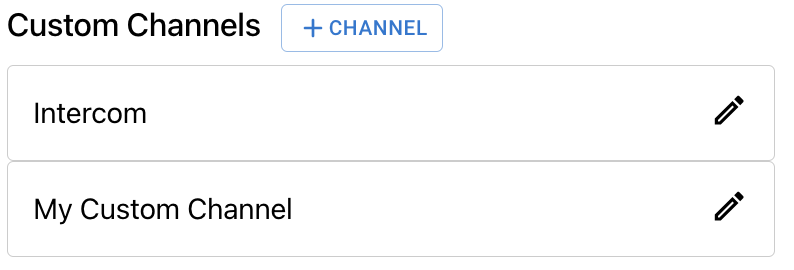
- Click on
+ Channelbutton to open theCreate New Channeldialog.
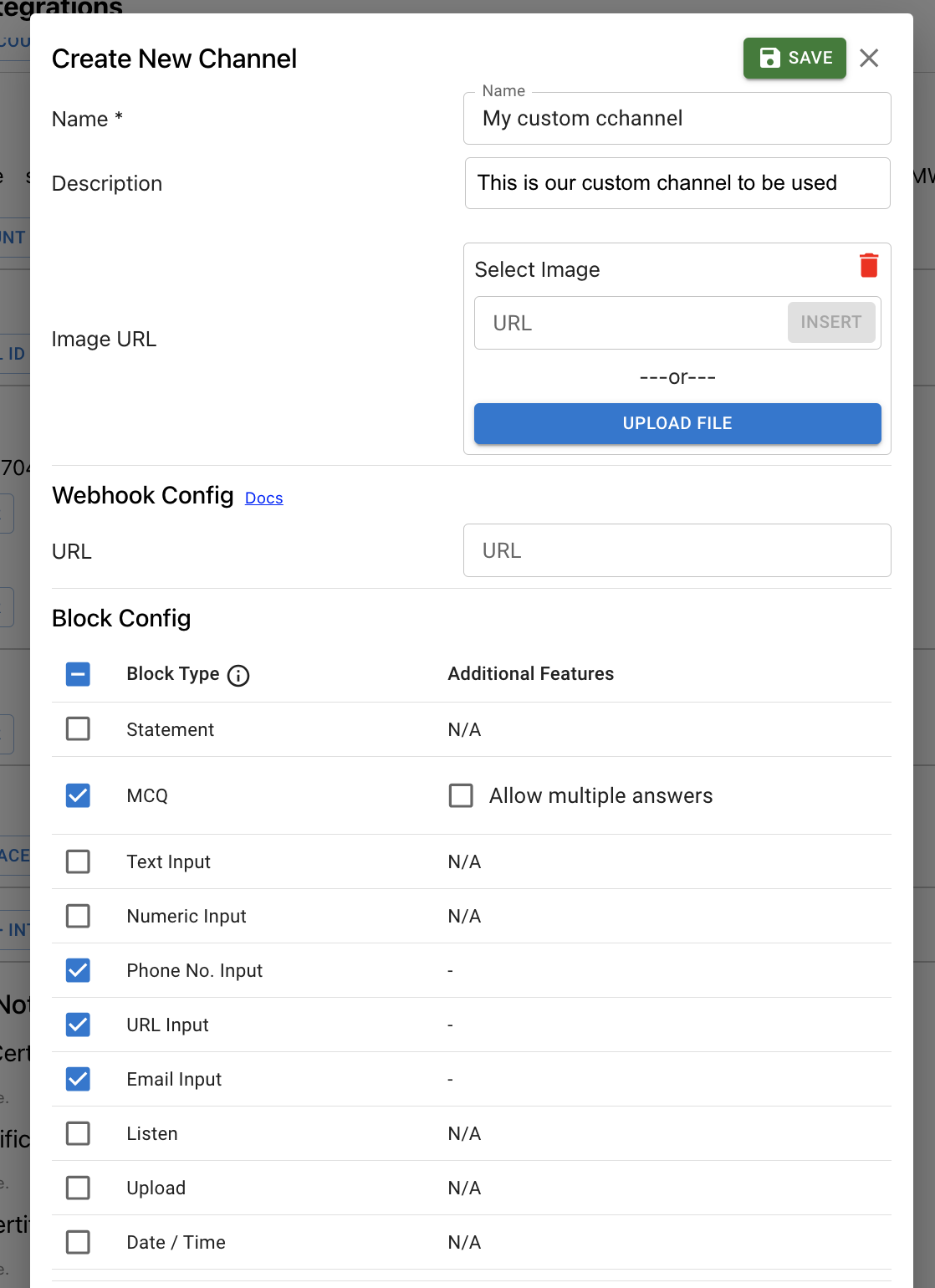
- Enter name and optional description for your custom channel
- Setup an optional webhook URL to receive requests from Askribe. For more details, click here.
- Select all the blocks that applicable for your custom channels. You can also select any additional features that you want to enable for the block
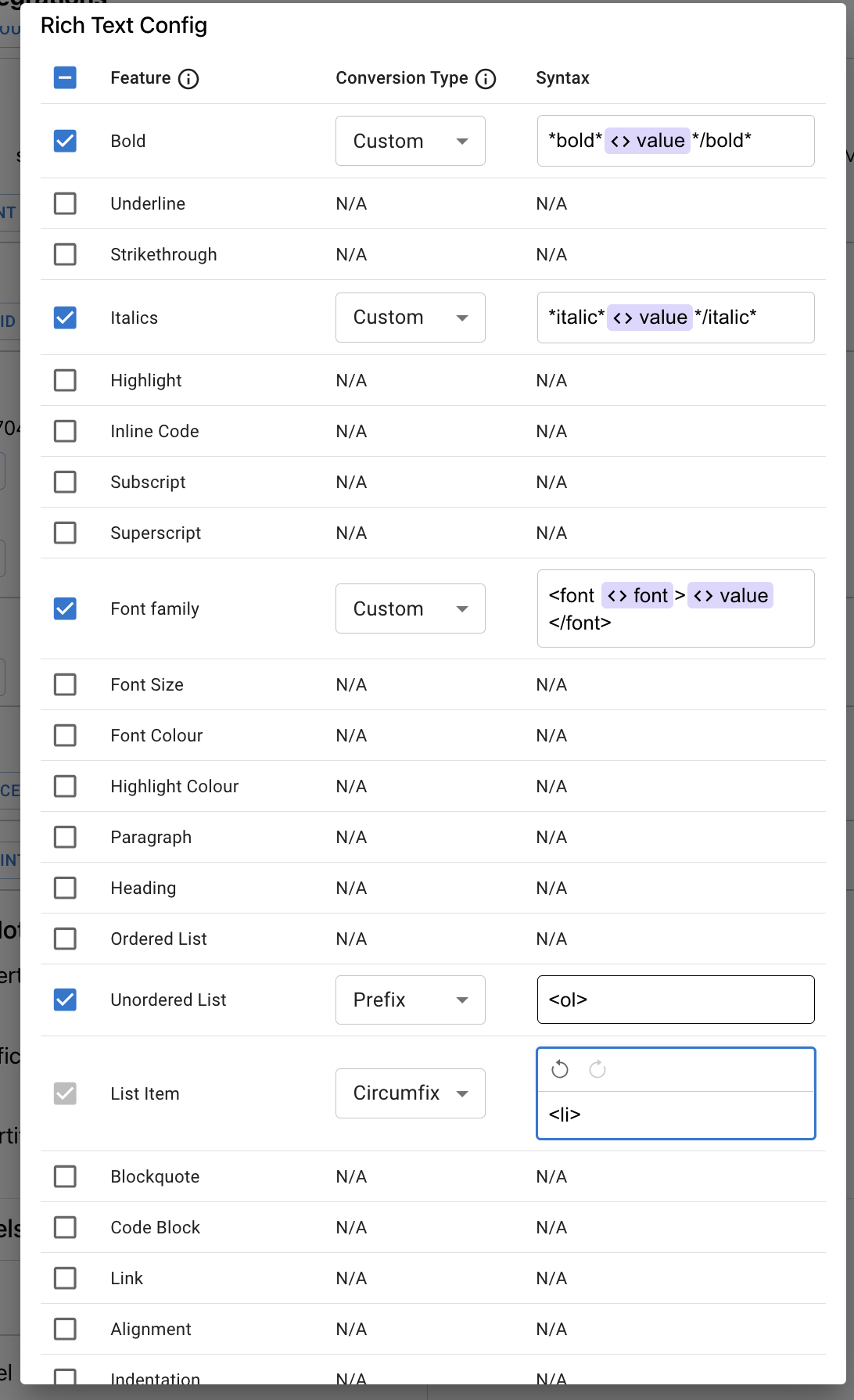
- Select all the RTE features that you want to be present in your custom channel. (For details, see the info icons present in the dialog)
- Click on Save.
- You have successfully created your custom channel. Now you can use them at all the places where you would use a pre-defined channel (like WhatsApp, Slack etc.)